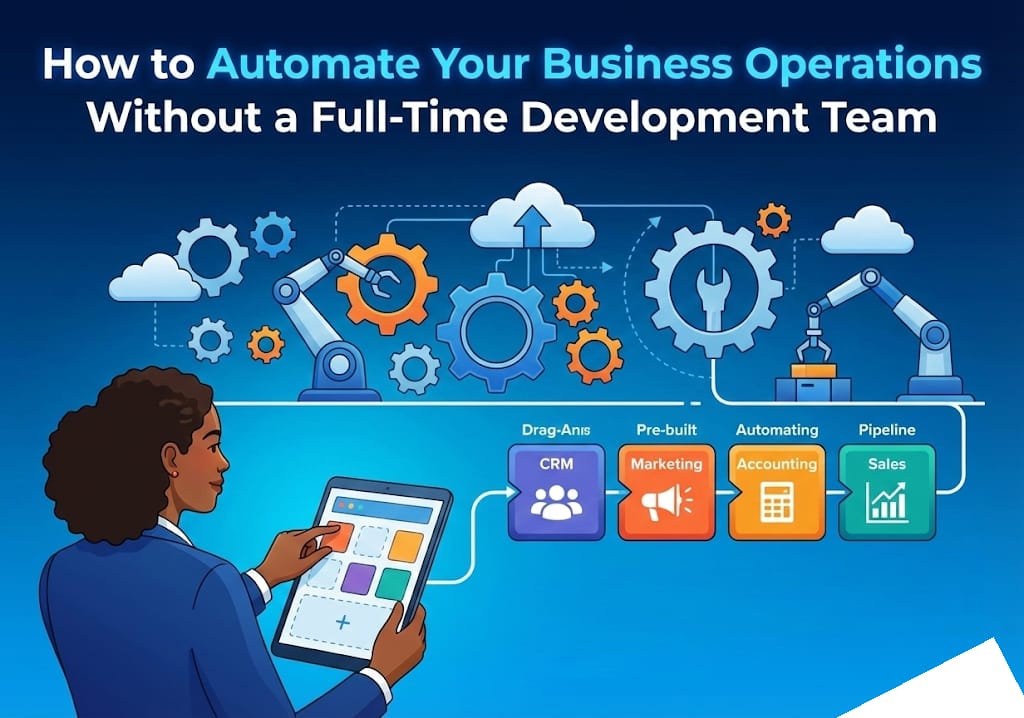
How to Automate Your Business Operations Without a Full-Time Development Team
In the past, if a business owner wanted to build a custom tool to manage their inventory or automate their customer follow-ups, they had two choices: spend tens of thousands of dollars hiring a software company or spend months learning how to write code. Today, that has changed. "No-code" tools allow you to build powerful systems using simple "drag-and-drop" interfaces, similar to building a slide deck or using a digital whiteboard.
Why Manual Processes Are Quietly Killing Your Profits
Every minute your team spends moving data from an email into a spreadsheet, or manually sending "thank you" notes to new leads, is money leaking out of your business. These manual tasks don't just cost you in payroll; they cost you in opportunity. When your staff is stuck doing repetitive "busy work," they aren't focusing on high-value activities like closing sales or improving your product. Furthermore, manual work is prone to human error—a single typo in a billing spreadsheet can lead to thousands of dollars in lost revenue.
Need a custom digital solution? Let's discuss your project.
Get a free consultation and quote today.
5 Signs You Need to Fix This Now
How do you know if your business is suffering from "manual drag"? Look for these red flags:
- Data Duplication: You find yourself or your team typing the same information into three different apps.
- The "Spreadsheet Jungle": Your entire business relies on a massive, complex Excel file that everyone is afraid to touch because it might break.
- Slow Turnaround: It takes more than 24 hours to respond to a basic customer inquiry or process an order.
- Hiring for Admin, Not Growth: You feel like you need to hire another assistant just to keep up with the paperwork, rather than a salesperson to grow the business.
- The "Key Person" Risk: Only one person knows how a specific process works, and if they go on vacation, that part of your business stops.
A Simple 4-Step Solution to Streamline Your Business
You don't need a computer science degree to start fixing these issues. Follow this simple framework:
Step 1: The "Audit" Phase
For one week, list every repetitive task your team performs. Focus on things that start with "If X happens, then I have to do Y." For example: "If a lead fills out a website form, then I have to manually add them to my contact list."
Step 2: Map the Workflow
Draw the process on a piece of paper. Where does the information come from? Where does it need to go? Identifying the start and end points is 80% of the work.
Step 3: Connect the Dots
Use a "connector" tool to link your existing software. You can tell the tool: "Whenever a new lead comes in from my website, automatically send them an introductory email and add their details to my database."
Step 4: Review and Refine
Start small. Don't try to automate your whole company in a day. Automate one small task, make sure it works perfectly for a week, and then move on to the next.
The Essential "No-Code" Toolkit
To get started, you only need to know about a few types of tools:
- The "Brain" (Airtable): Think of this as a super-powered spreadsheet that acts as a database to hold all your important business information securely.
- The "Glue" (Zapier or Make): these tools connect your different apps (like Gmail, Slack, and your CRM) so they can talk to each other without you doing anything.
- The "Face" (Softr or Bubble): These allow you to build a visual interface—like a private portal for your clients or an internal dashboard for your employees—without writing code.
Common Mistakes to Avoid
While no-code tools are accessible, many business owners fall into these traps:
Over-complicating the First Step
Don't try to build a "NASA-grade" system on day one. Start with the simplest version of your idea and improve it over time.
Automating a Broken Process
If your manual process is messy and confusing, automating it will just make it "messy and confusing at high speed." Clean up your workflow on paper before you move it into a tool.
Ignoring Security
Always ensure you are using reputable tools and setting up proper permissions so that only the right people can see your sensitive business data.
When to Hire Professionals
No-code tools are fantastic for getting started and handling basic tasks. However, as your business grows, you may reach a point where your needs become more complex. If you find yourself spending more time "tinkering" with tools than actually running your business, or if you need your systems to handle massive amounts of data with 100% reliability, it’s time to bring in the experts.
At our agency, we specialize in building professional-grade systems that grow with you. We handle the technical heavy lifting so you can focus on what you do best: leading your company. Ready to save 20+ hours a week through smart automation? Contact us today for a free workflow audit.